Typing games


Choose a typing game for your practice
Each Typido game asks for a different kind of keyboard attention. Choose a challenge, read its controls, and stay with it long enough to learn the rules before comparing attempts.
Railo
Word recognition and steady typing under pressure
Copy the next word before your train reaches a new obstacle.
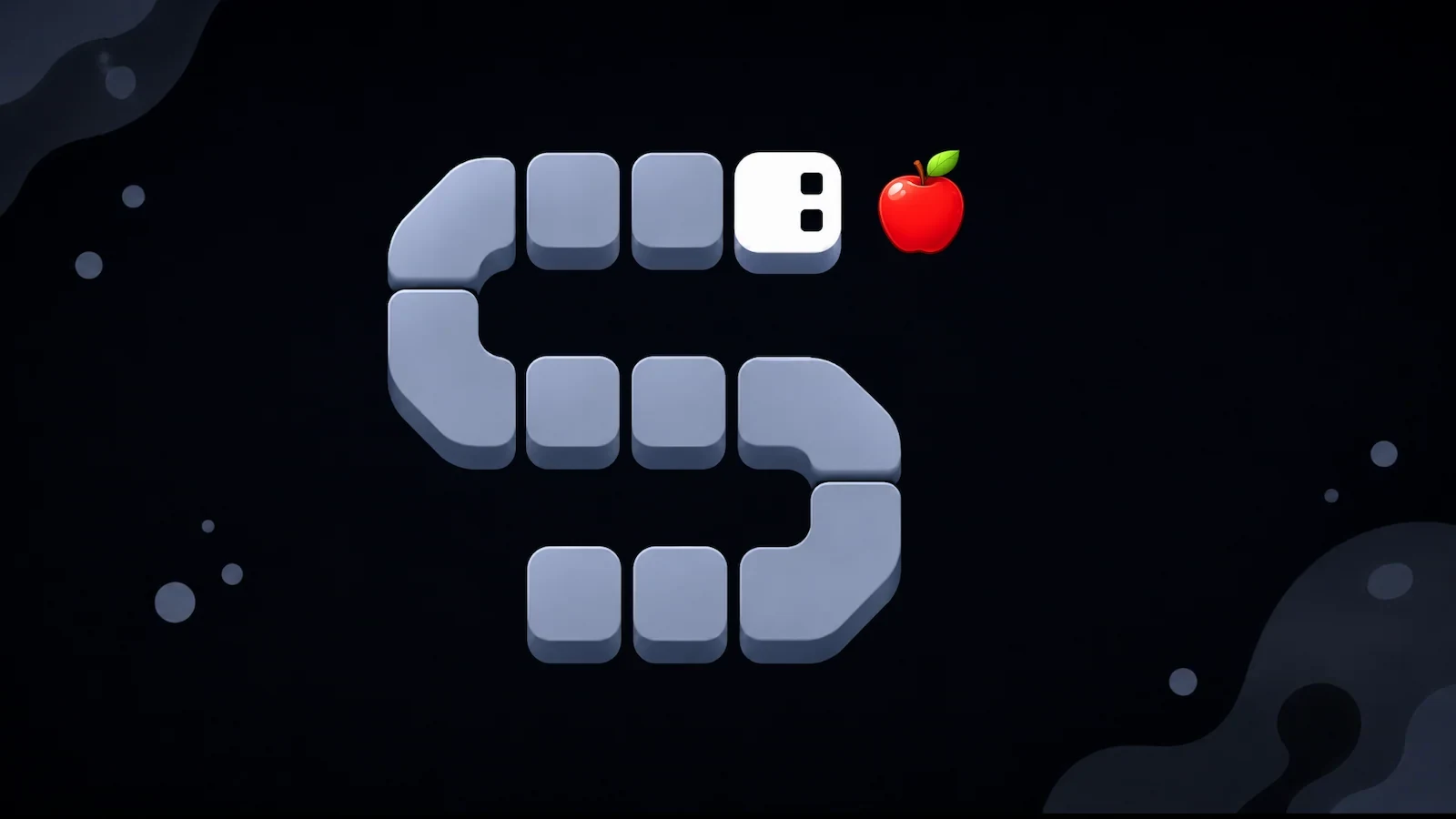
Snakey
Keyboard control and reactions
Match keys to the changing targets while you steer through each course.
Linkey
Key recognition and steady rhythm
Reveal a picture at your own pace by typing one requested letter at a time.
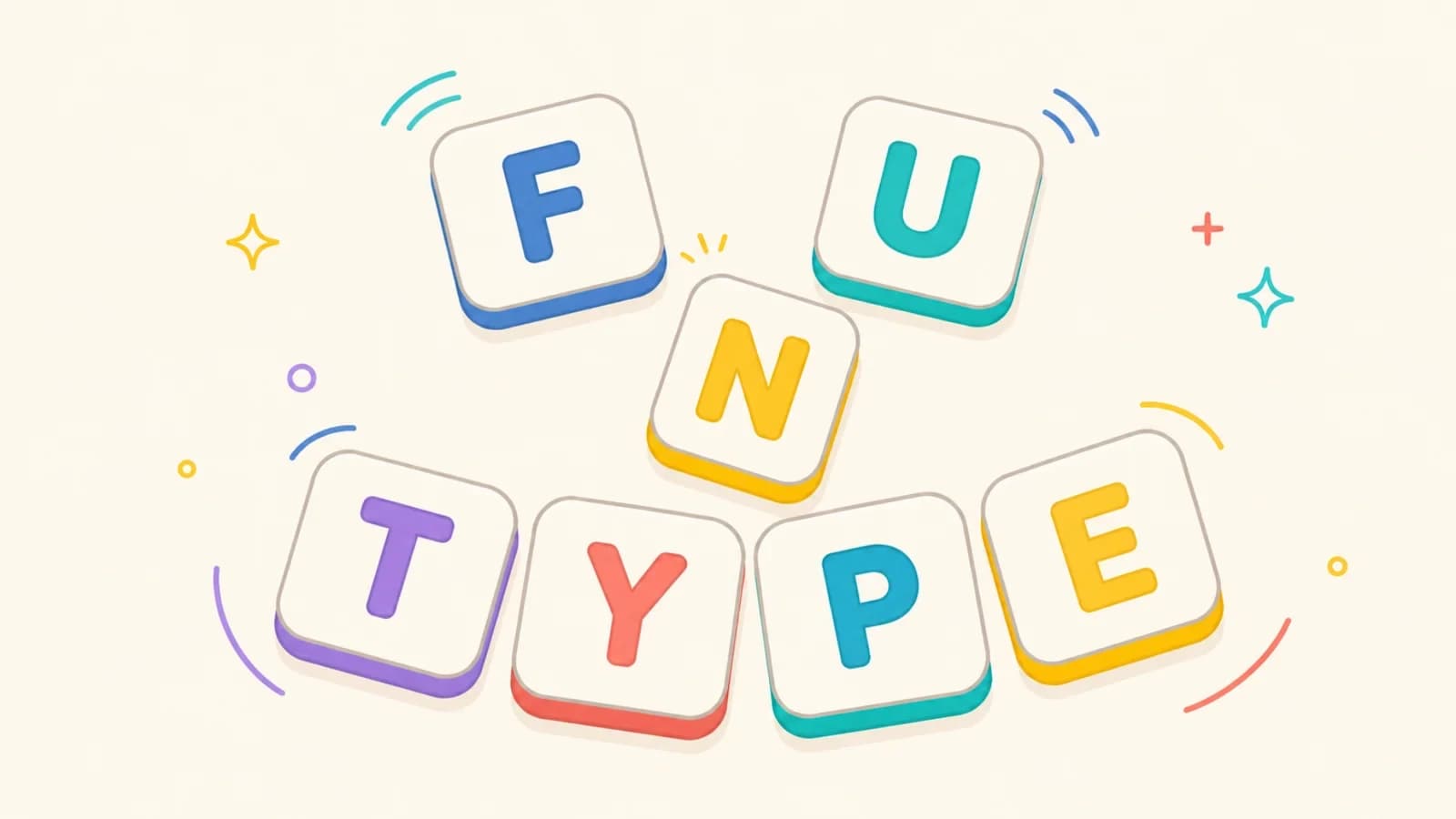
Funtype
Variety, accuracy, and coordination
Pick a short arcade activity for rhythm, key recognition, or word practice.
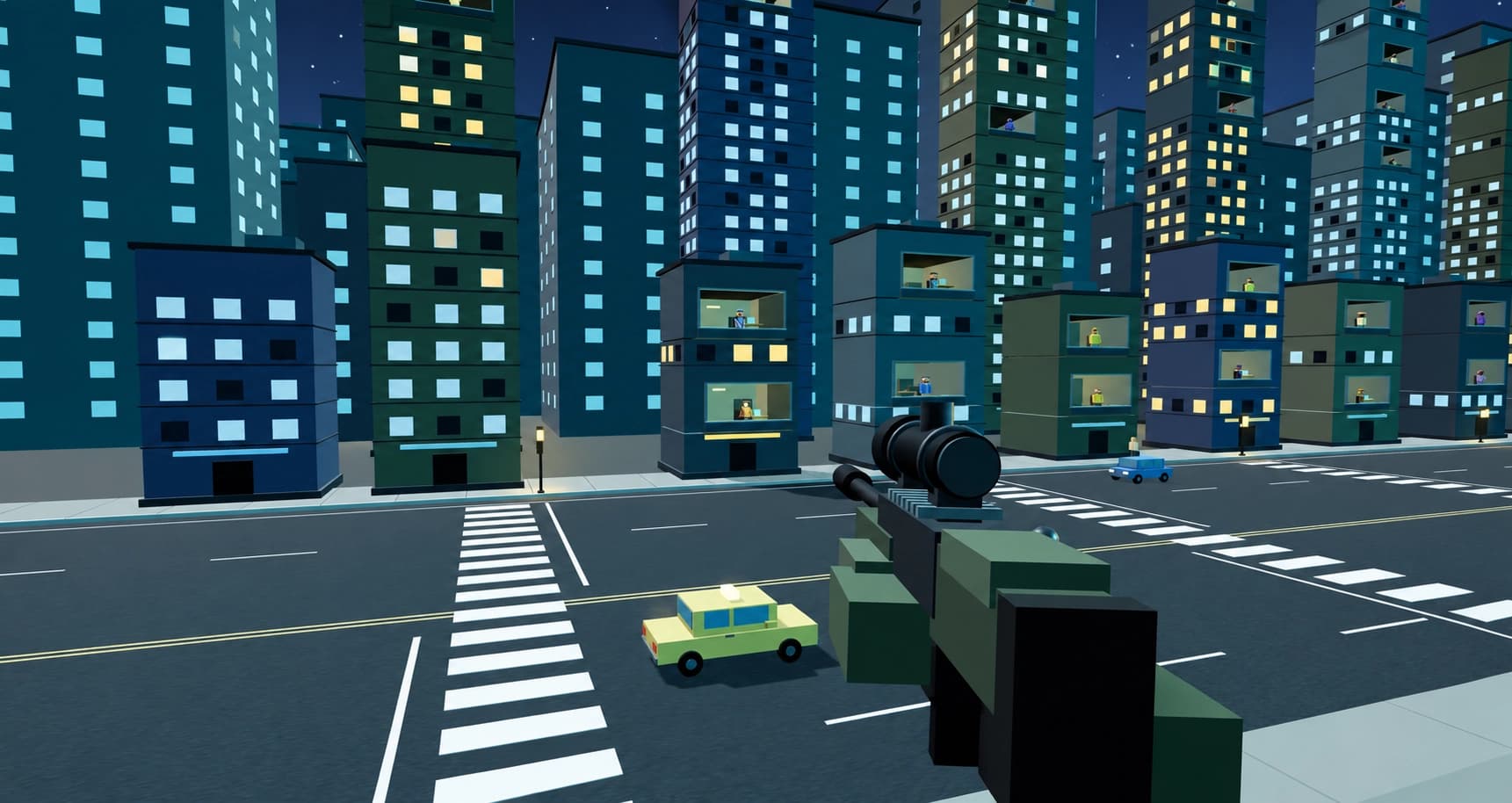
Wordshot 3D
Word recognition and accuracy under pressure
Enter the target word while you follow the action through city levels.
Gravix
Focus and accuracy
Practice reading and typing short prompts through a series of space missions.
Compare the same challenge
A game score includes its own objectives, timing, and difficulty. Repeat the same level to see whether you are making fewer mistakes. Take a one-minute typing test to measure your WPM and accuracy.
For a timed challenge, race a computer or a friend. You can practice against the computer as a guest.
Start with the free activities shown in the game. Review Free and Pro access before choosing a locked level. For sign-in or password-reset help, visit Account Help.
Typing game questions
How should I choose a game?
Choose the skill you want to practice, read the game’s controls and try a starter challenge. Compare repeat attempts within that activity.
Do game points equal typing-test WPM?
No. Each game has its own objectives and scoring. Use comparable timed tests for correct-character WPM and attempted-input accuracy.